flowchart LR
 subgraph B["Process"]
        RAM["RAM"]
        CPU["CPU"]
        HDD["HDD"]
  end
    CPU <--> RAM & HDD
    A["Inputs"] --> B
    B --> C["Outputs"]
Lecture 2: Computing Basics
Brian J. Smith
2026-01-20
Computing Basics
Basic Computer Operations
What’s the difference between Random Access Memory (RAM) and a hard disk drive (HDD)?
Operating Systems
What does an operating system do?
What are some example operating systems?
Operating Systems
- Windows
- Unix-like
- macOS
- (iOS)
- Linux
- (Android)
Operating Systems
| Windows | Unix | |
|---|---|---|
| CLI | cmd.exe |
bash |
| Directory separator | \ |
/ |
| Root directory | C:\ |
~/ |
File Structure
- Hierarchical databases
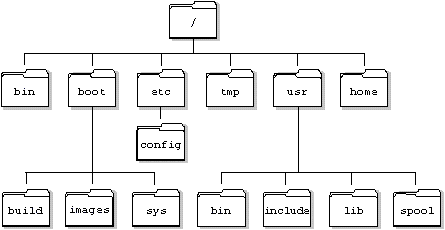
File structure
- Absolute vs. relative paths
What’s the difference between an absolute and relative path?
When should you use each one?
File structure
Absolute path:
C:/Users/bsmith/Teaching/UI 2026-01 Spring/BCB5200/BCB5200_Website/lectures/01_intro.qmd
Relative path:
./lectures/01_intro.qmd
File structure
Relative paths
. points to the current directory
.. points to the parent directory
File structure
|---C:/
|---|---Users/
|---|---|---bsmith/
|---|---|---|---Documents/
|---|---|---|---|---Website/
|---|---|---|---|---|---index.html
|---|---|---|---|---|---img/
|---|---|---|---|---|---|---img1.png
|---|---|---|---|---|---|---img2.png
|---|---|---|---Pictures/
|---|---|---|---|---img3.png
From index.html:
- How do I get to
img1?C:/Users/bsmith/Documents/Website/img/img1.pngimg/img1.png./img/img1.png
File structure
|---C:/
|---|---Users/
|---|---|---bsmith/
|---|---|---|---Documents/
|---|---|---|---|---Website/
|---|---|---|---|---|---index.html
|---|---|---|---|---|---img/
|---|---|---|---|---|---|---img1.png
|---|---|---|---|---|---|---img2.png
|---|---|---|---Pictures/
|---|---|---|---|---img3.png
From index.html:
- How do I get to
img2?img/img2.png
File structure
|---C:/
|---|---Users/
|---|---|---bsmith/
|---|---|---|---Documents/
|---|---|---|---|---Website/
|---|---|---|---|---|---index.html
|---|---|---|---|---|---img/
|---|---|---|---|---|---|---img1.png
|---|---|---|---|---|---|---img2.png
|---|---|---|---Pictures/
|---|---|---|---|---img3.png
From index.html:
- How do I get to
img3?../../Pictures/img3.pngC:/Users/bsmith/Pictures/img3.png
RStudio Projects
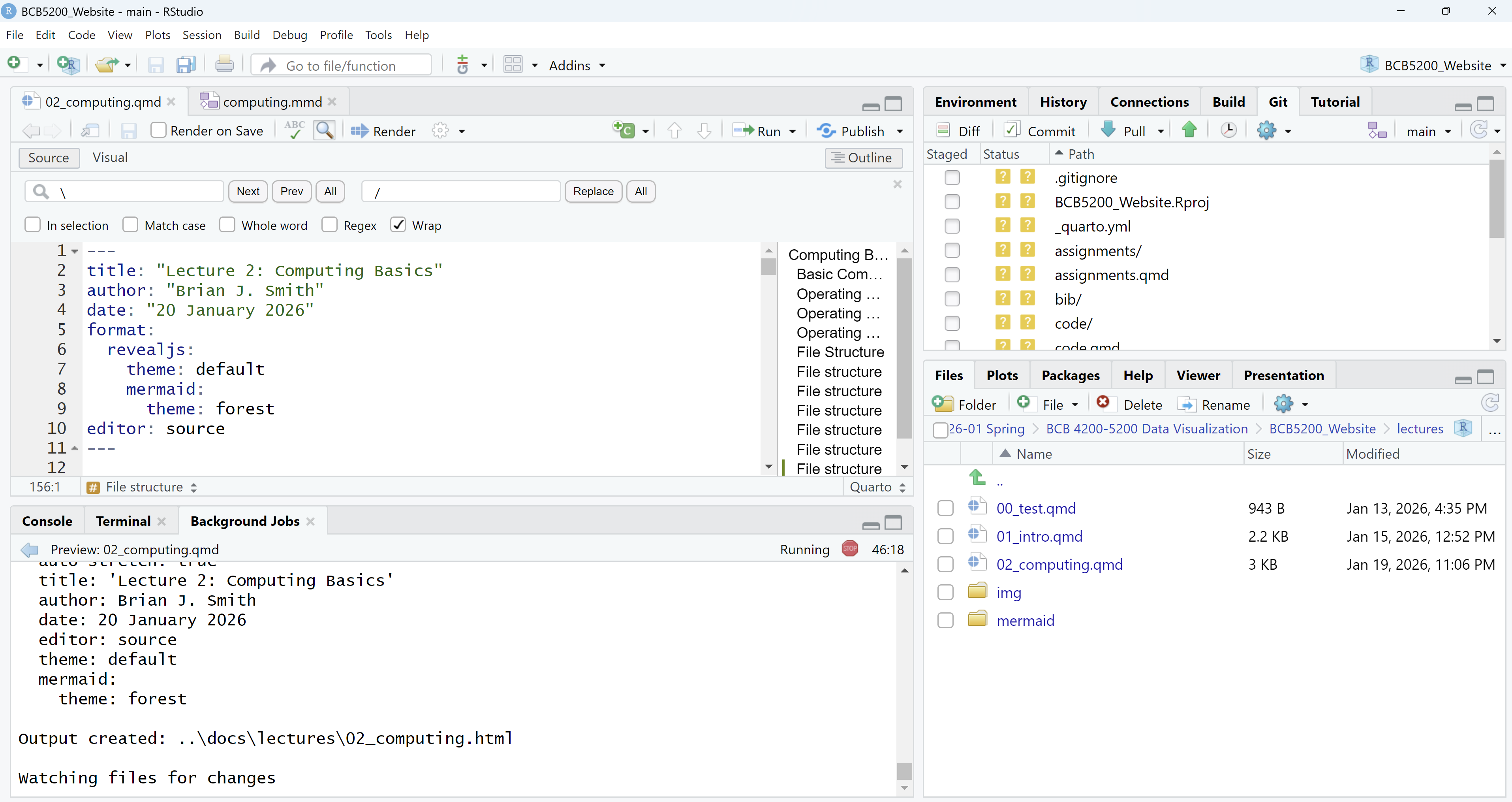
“There are only two hard things in computer science: cache invalidation and naming things.”
— Phil Karlton (Netscape)
git and GitHub
gitis version control software![git Logo]()

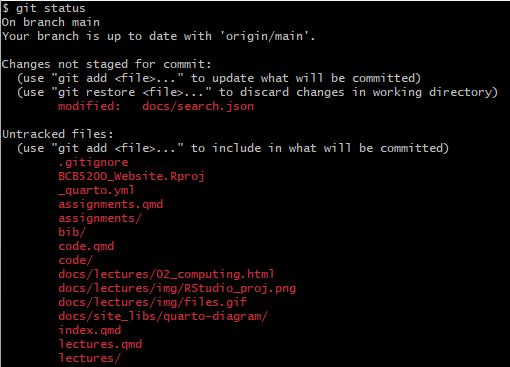
git and GitHub
GitHubis a platform forgitrepositories![GitHub Logo]()

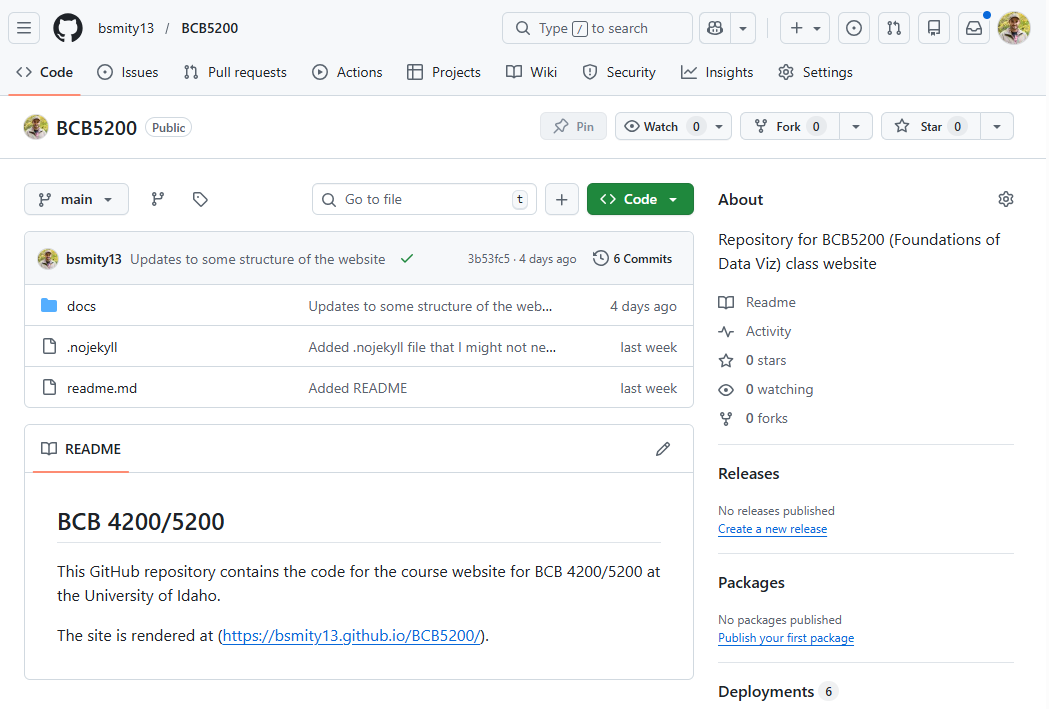
Software Setup
Installing software
- R
- RStudio
- git
RStudio Setup
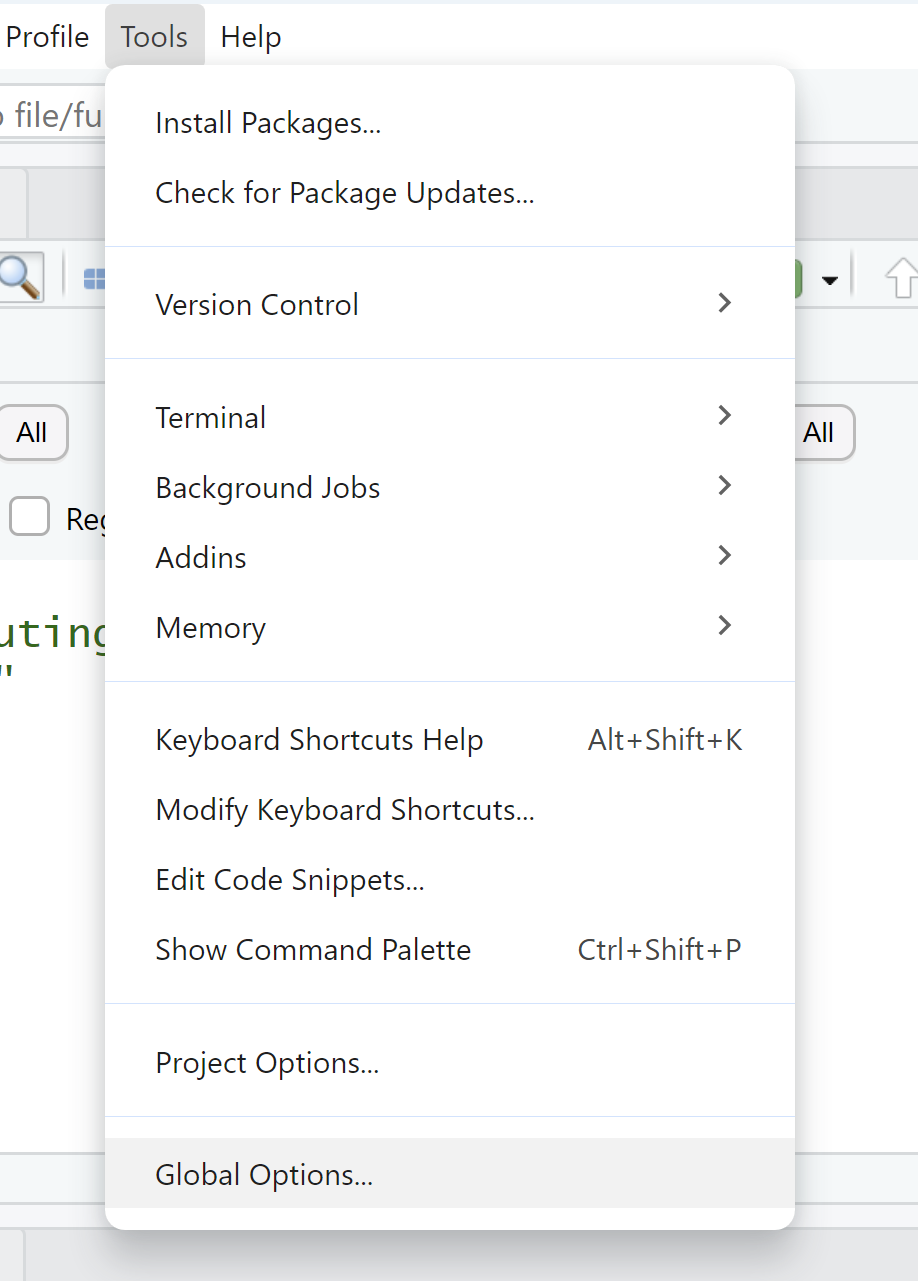
RStudio Setup
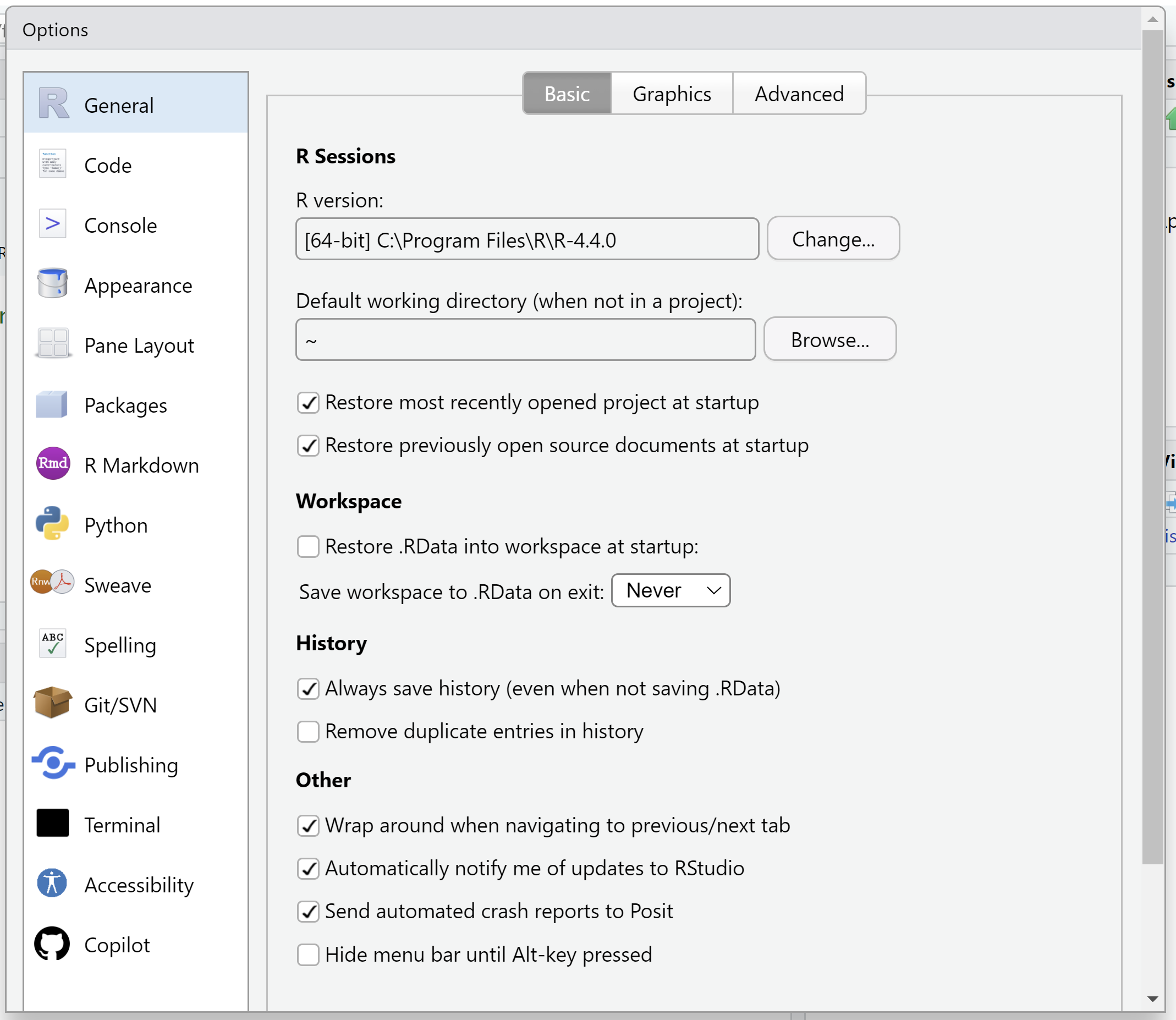
RStudio Setup
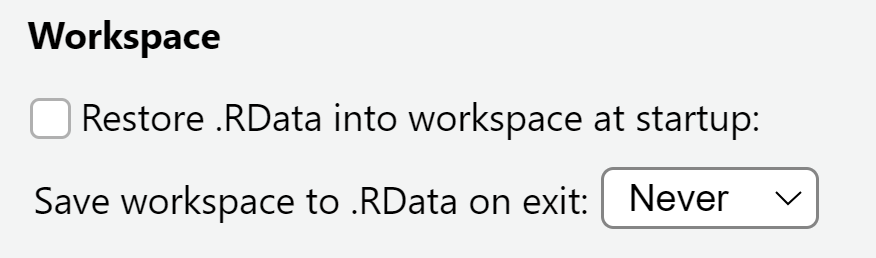
I highly recommend that you setup your workspace so that it does not automatically save/restore.
git Setup
Reproducible Data Science
Dr. Simona Picardi, CNR, University of Idaho
https://ecorepsci.github.io/reproducible-science/version-control-git.html#configuring-git